

IX7 App is a lightweight, high-speed mobile gaming platform built specifically for Android players across India. Instead of bloating your phone with gigabytes of unnecessary assets, the IX7 Game runs on a streamlined H5 and native Android engine that loads the main lobby in under three seconds even on fluctuating 4G and 5G connections.
Whether you are looking for the direct IX7 APK download, trying to complete your IX7 login via SMS OTP, or checking compatibility before installing the IX7 game on your handset, this page covers the exact technical specs and setup steps you need.
Download IX7 App APK | IX7 Login Guide
IX7 App Technical Specifications
Before sideloading the installation package onto your smartphone, verify your device against the core IX7 system requirements below.
| Specification | IX7 Official Details |
|---|---|
| App Name | IX7 (IX7 Game / IX7 App) |
| Platform Compatibility | Android 6.0+ & Mobile Web Browsers (H5) |
| APK File Size | ~18.4 MB (Lightweight Installer) |
| Account Verification | 10-Digit Indian Mobile Number + SMS OTP |
| Supported Payment Channels | UPI (PhonePe, Google Pay, Paytm) & IMPS |
| Interface Languages | English & Hindi |
| RAM Requirement | Minimum 2 GB RAM (4 GB+ Recommended for zero frame drops) |
| License & Security | 256-Bit SSL Encrypted Lobby & Verified APK Signature |

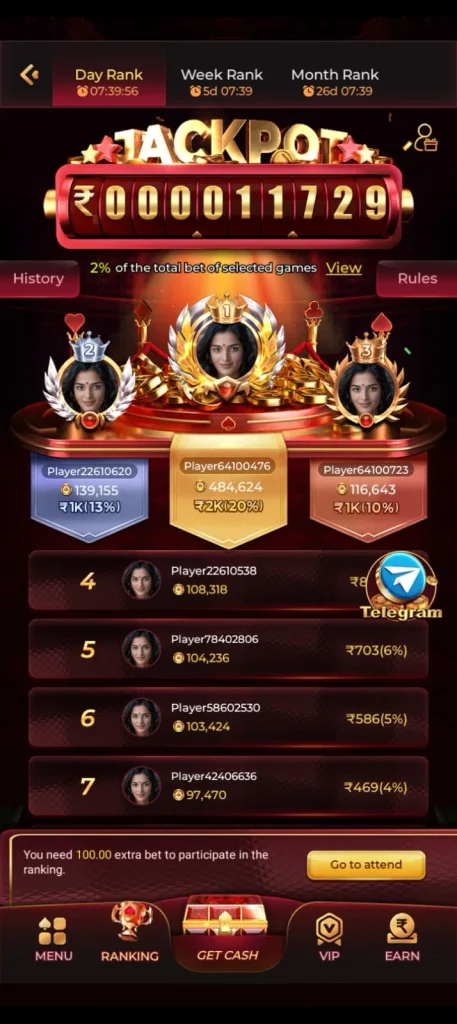
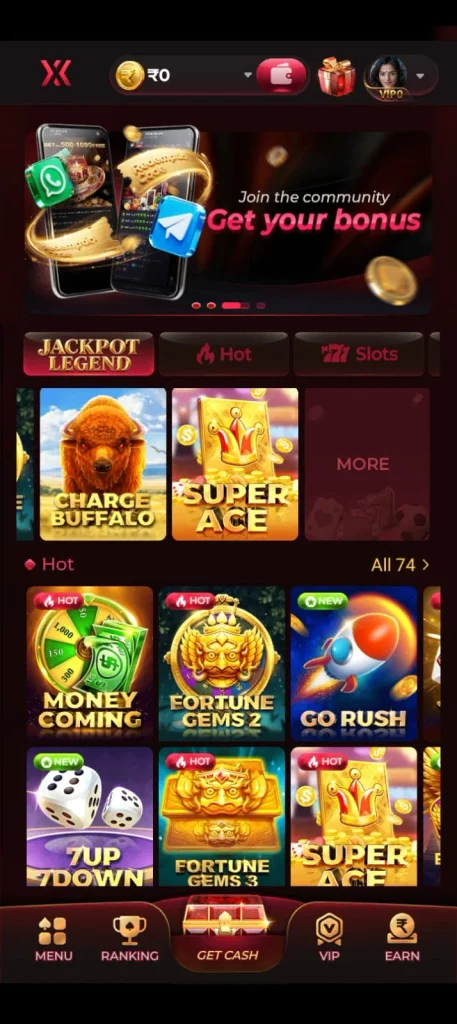
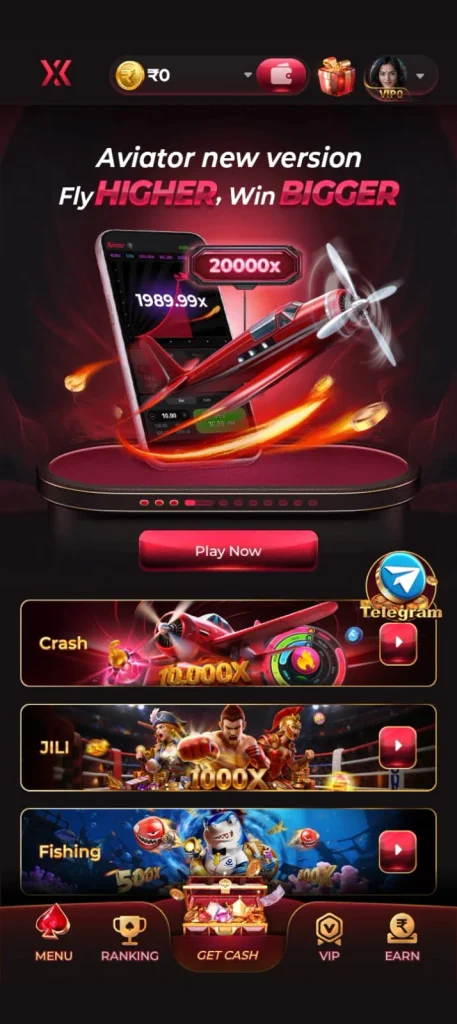
What is the IX7 Game Platform?
The IX7 game ecosystem brings dozens of fast-paced arcade categories, card tables, casual prediction rounds, and quick-session mini-games into a single unified dashboard. Traditional mobile games force you to download separate apps for every genre. IX7 eliminates that friction by streaming individual game modules on demand inside one compact application.
Why Players Switch to the IX7 App
- Zero Lobby Lag on Budget Phones: The core IX7 app strips out heavy background 3D rendering. Phones running entry-level MediaTek Helio or Snapdragon 6-series processors maintain a locked 60 FPS inside the game rooms without overheating.
- Instant Category Switching: Jump from classic Indian card tables to rapid 60-second arcade rounds with a single tap. The modular cache only downloads the assets for the specific IX7 game you open.
- Native UPI Wallet Integration: Managing your account balance doesn’t require complex third-party gateways. The cashier connects directly with standard Indian UPI apps including PhonePe, Paytm, and GPay, alongside direct IMPS bank transfers.
- Daily Check-In & VIP Progression: Active accounts unlock automated daily attendance rewards, task milestones, and tiered VIP rebates based on regular lobby activity.
- Low Data Consumption: Because UI graphics are cached locally after your first launch, playing on the IX7 platform consumes less than 15 MB of mobile data per hour.
How to Download & Install the IX7 App APK on Android
Because real-time gaming hubs distribute their installers directly to players rather than through the standard Play Store catalog, you install the IX7 app via an official Android APK package. The entire setup takes less than a minute.
Step 1: Download the Official IX7 APK File
Tap the verified download button on this page to start pulling the IX7 APK package (~18.4 MB). If Chrome displays a standard Android prompt stating “File might be harmful”, select Download anyway—this is a default Android OS alert triggered for any APK downloaded outside Google Play.
Step 2: Enable “Install Unknown Apps”
- Open your phone’s Settings and navigate to Security & Privacy (or Apps & Notifications on Samsung, Xiaomi, Realme, and Vivo devices).
- Tap Install unknown apps or Special app access.
- Select your browser (e.g., Chrome) and toggle on Allow from this source.
Step 3: Run the Installer & Launch the Lobby
- Open your browser’s Downloads folder or tap the completed notification banner.
- Tap the IX7 file and hit Install.
- Once the installation finishes (usually 5 to 10 seconds), tap Open to initialize the IX7 game lobby and fetch any micro-patches.
Pro Tip for iOS & Desktop Users: If you use an iPhone or prefer not to install an APK, you can access the full IX7 experience directly through Safari or Chrome using the instant H5 web portal without downloading any files.
IX7 Login & New Account Registration Guide
Getting into your dashboard requires an active Indian mobile number. Follow these steps to register a fresh profile or complete your daily IX7 login.
How to Register a New IX7 Account
- Launch the IX7 app on your phone and tap the Register / Sign Up button on the welcome screen.
- Enter your active 10-digit mobile number (do not add
0or+91if the country code box is already pre-filled). - Create a strong alphanumeric password (6 to 16 characters) that you haven’t used on other gaming sites.
- Tap Send OTP. Check your SMS inbox for the 4-digit or 6-digit verification code and type it into the verification field.
- Hit Confirm to activate your profile and enter the main IX7 game lobby.
Returning Player IX7 Login Steps
- Open the app and select Login.
- Choose between Password Login (fastest for daily access) or OTP Quick Login.
- Enter your registered phone number and credentials, then tap Sign In.
Fixing Common IX7 Login & OTP Issues
| Issue Encountered | Root Cause | Quick Fix |
|---|---|---|
| SMS OTP Not Arriving | DND filter or local tower congestion | Toggle Airplane Mode ON for 10 seconds, turn it OFF, and wait for the 60-second timer before tapping Resend OTP. |
| “App Not Installed” Error | Corrupted partial download or low storage | Delete the partial APK from your Downloads folder, clear 200 MB of free space, and download a fresh copy. |
| White / Blank Screen on Launch | ISP DNS caching issue | Switch from Wi-Fi to 4G/5G mobile data, or clear the IX7 app cache inside Android Settings. |
| Forgot Password | Mismatched login credentials | Tap Forgot Password below the IX7 login box, verify ownership via SMS OTP, and set a new password immediately. |
Account Security & Smart Play Guidelines
Keeping your IX7 profile secure takes just a few practical habits:
- Never Share Your SMS OTP: Official support staff will never ask for your login password or SMS verification code over Telegram, WhatsApp, or phone calls.
- Verify UPI Handles Every Time: When adding funds inside the IX7 app, always generate a fresh payment request directly inside the in-app cashier rather than sending transfers to old saved UPI IDs from your payment history.
- Lock Your Session on Shared Phones: If you log into the IX7 game web version on a shared device, always use the manual Log Out button in the profile menu instead of just closing the browser tab.
Frequently Asked Questions (IX7 FAQ)
1. What is IX7?
IX7 is a mobile-first online gaming application designed for Android smartphones and mobile browsers. It offers instant access to multiple arcade, card, and quick-play game rooms inside a single lightweight APK.
2. Is the IX7 app free to download?
Yes. Downloading and installing the official IX7 APK is 100% free. Never pay third-party agents or Telegram groups for download links or registration access.
3. Why is the IX7 game not listed on the Google Play Store?
Like most multi-category gaming hubs in India, the IX7 app is distributed directly via an official APK installer so players get instant lobby updates without regional Play Store delays.
4. How do I update the IX7 app when a new patch drops?
You rarely need to reinstall the APK manually. Whenever a lobby upgrade goes live, the IX7 app downloads the small patch automatically on the splash screen when you open it. For major core updates, simply download the latest APK from this page and install it directly over your existing app your account data remains untouched.
5. Can I use one IX7 login across two different phones?
Yes, your account is tied to your registered mobile number on the cloud server. However, logging into the same IX7 profile on two devices at the exact same time will automatically sign out the older session to protect your balance.
For More Information
- Our latest IX7 articles
- See our full guide on fixing IX7 OTP delays and Android parse errors.
- Explore our complete breakdown of IX7 lobby modes, VIP rebates, and UPI tips.
Disclaimer: This website (i-x7.com) serves as an independent informational and technical resource guide for the IX7 app and IX7 game platform. Users must be 18 years of age or older and comply with all applicable state regulations in their jurisdiction. Please play responsibly.